
Google Business Profile Tips for Beginners: A Complete 2026 Guide
You set up your Google Business Profile. You filled in your name, your address, a phone number. What?
If you’re not sure where to start, you’re not alone. Many business owners treat their profile like a form to submit once and forget. But simply filling in the basic information isn’t enough.
These Google Business Profile Tips for Beginners will help you optimize your profile, improve local visibility, build customer trust, and attract more customers through Google Search and Maps.
I’ve spent time in marketing focused on local SEO and the part I actually enjoy is watching a business go from invisible to findable on Google Search and Maps. I’ve worked on profiles that were half-finished, inconsistent or just quietly ignored for months. In this guide, I’ll share the Google Business Profile tips for beginners and Google Business Profile best practices that can help you make the most of your listing.
These Google Business Profile Tips for Beginners can help you build a stronger local presence.
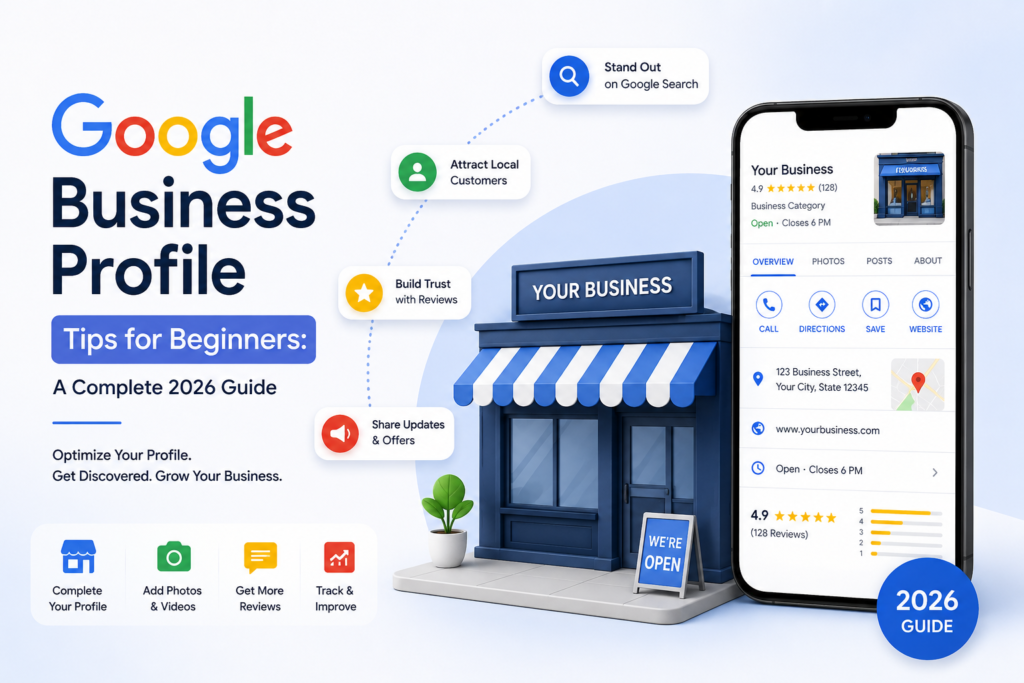
Think about the last time you searched for a plumber, a bakery, a dentist. Anything local. Chances are you saw the Business Profile before you ever landed on a website. The hours, the photos, the star rating, whether the listing looks cared for. That’s the impression and it happens before a customer picks up the phone.
I once worked on a profile for a business that wasn’t broken exactly. It just wasn’t pulling its weight. The service list was thin the description read like an afterthought. The categories didn’t quite match what the business actually did. Once we filled in the missing services rewrote the description so it actually said something and got a flow of photos and reviews going the whole thing looked like a business someone had bothered to build. That’s the difference an incomplete profile makes. Not that its wrong just that it doesn’t earn trust.
Where Beginners Usually Go Wrong
Before we get to what works it’s worth naming what doesn’t. These are the mistakes I see over and over:
Incomplete information. No services listed a one-line description or a category thats close enough but not quite right.
Details that don’t match. The phone number on the profile doesn’t match the website. The address is written differently in two places.
Hours nobody updated. Especially around holidays, when a wrong “open” sign online can cost you a customer who showed up for nothing.
A photo gallery with three pictures from three years ago. Or none at all.
Reviews that sit there unanswered. Good or bad silence reads as indifference.
None of these mistakes are dramatic on their own.. Stack a few together and you’ve got a listing that quietly loses ground in local search no matter how good the actual business is.
Google Business Profile Tips for Beginners: Getting the Setup Right
Pick a Category That Actually Fits
Your category is doing work than most people realize. It’s a big part of what tells Google which searches you should show up for. Resist the urge to go broad “to be safe.” The specific and accurate the category, the better. Add a category only if it genuinely applies, not just because it sounds relevant.
Don’t Leave Sections Blank
This is the one I see often and its an easy fix. Services, a description, contact info, your service area if that applies to you. Fill it all in. Every blank field is a question a customer has to ask you instead of finding the answer themselves.
Add Photos Before You Feel “Ready”
You don’t need photography to start. Honest photos of your space your team or your work beat polished stock images every time. A profile with photos simply feels more trustworthy than one without.One of the most useful Google Business Profile Tips for Beginners is to keep your photos fresh and relevant.
Keep Your Name, Address and Phone Number Consistent
This ones boring. It matters: your business name, address and phone number should read identically everywhere. Your website, your profile, other directories. Small mismatches confuse customers. They confuse Google too.
Actually Respond to Reviews
Ask customers for a review sure.. The bigger opportunity is in how you respond. To both the five-star reviews and the frustrated ones. A thoughtful reply to a review often says more about your business than a dozen good ones ever could.
The Best Practices Most Guides Skip
Here’s the part that gets left out of every beginner guide: setup is the easy part. Staying active is where most people drop off.. Its exactly where the opportunity is. Following these Google Business Profile Tips for Beginners consistently can help your profile stay useful and active.
Post something occasionally. An offer, an update, a bit of news. Google Posts keep the profile feeling alive
Swap in photos now and then. Seasonal or recent images tell customers (and Google) that someones still paying attention .
Don’t let reviews pile up. Reply as they come in not in a batch three months
Check the details every months. Hours, services contact info. Things drift out of date faster than you’d think.
Look at your insights occasionally. Google gives you data on how people are finding and interacting with your listing. It’s worth a glance now. Then.
Most beginners set the profile up fill in the basics and never touch it again. Coming back to it regularly. Even just a little. Puts you ahead of the competitors who treat theirs as a one-and-done task.
Setup Tips vs. Long-Term Best Practices
Focus Area Setup Tip (Do This First) Long-Term Best Practice
Category Choose the specific accurate category Revisit it as your services evolve
Information Fill out every available field Double-check for accuracy every few months
Photos Add initial storefront and product photos Refresh regularly with new seasonal images
Reviews Ask early customers for feedback Reply to every new review as it comes in
Activity Complete your profile fully Post updates and check insights now and
One Caveat Worth Knowing
Not every “best practice” applies the same way to every business and its worth saying that plainly. A service-area business with no storefront isn’t playing the game as a restaurant, where the physical location is basically the whole point. Of copying a generic checklist pick the category that actually matches your situation and follow Googles guidelines for that type of business. What works for a shop won’t always translate to a mobile service business. And thats fine.
Frequently Asked Questions
Is Google Business Profile free to use? Yes. Creating and managing a profile costs nothing for businesses.
How long does it take for a profile to show up in search results? It depends,. Most businesses see verification and initial visibility within a few days to a couple of weeks.
Do I need an address to create a profile? Not necessarily. Service-area businesses can set one up without showing an address though the process looks a little different than it does for a storefront.
How often should I actually update my profile? Check accuracy at quarterly. Posting updates or photos monthly (or more) keeps things feeling active than abandoned.
Final Thoughts
Setting up your Google Business Profile correctly matters. It’s not where the real payoff comes from. The businesses that actually benefit are the ones that keep showing up—updating details, adding photos, and replying to customers long after the initial setup is done.
Start with the basics: complete, accurate, and consistent information. Then make revisiting it a habit rather than a one-time task. That combination is what turns a profile from something you filled out once into something that quietly brings in customers month after month.
For businesses looking to strengthen their local online presence, working with a Freelance Digital Marketer in Thrissur can also help improve their digital marketing strategy.
These Google Business Profile Tips for Beginners are simple steps you can use to strengthen your local online presence.